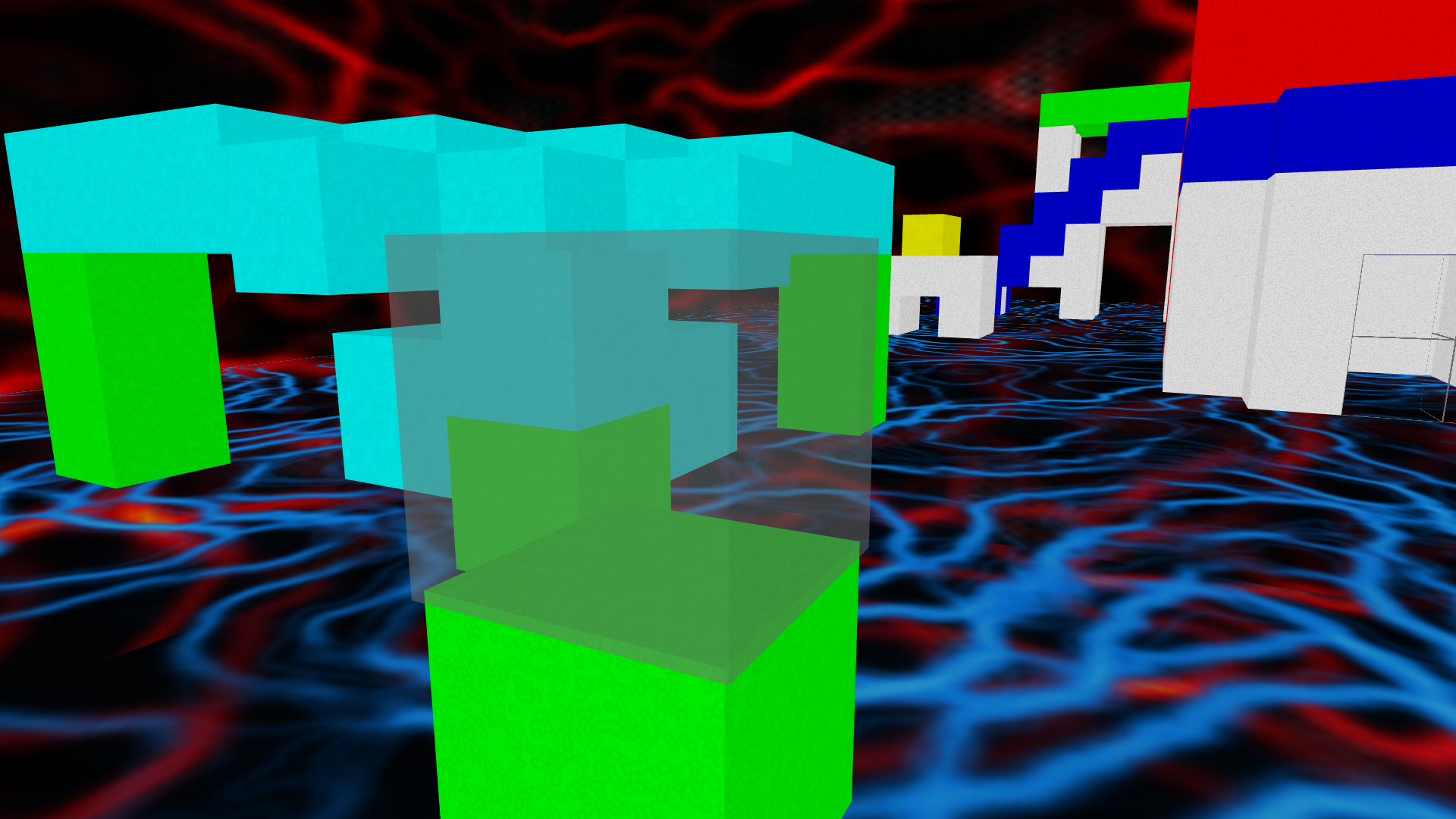
This is a multiplayer game. Other people may be in the same game as you and you may even see the effects of their actions, but those players will be invisible to you, as you will be to them.
Double-click the game to run. You should see a black screen for a brief moment, and then the loading cube should appear. You should be dropped into the world after around 5 seconds on a fast machine. Longer than 20 seconds means that something is wrong.
Press 'q' or Alt+F4 to exit.
Once you are in, you should see lots of cubes. When you move your mouse, you will see that the transparent cube in front of you follows where you point. This is your cursor. Place the cursor around a cube. Press a number key to change the color. If it doesn't immediately change color, then either something is wrong, or the server is a bit slow at the moment. If the server is slow, then the cube should eventually change color. Now click while the cursor is around that cube. A glowy green box should appear around it. Move to an empty space. Your cursor is now green as well, telling you that a cube is selected. Click in an empty place, and the cube you selected should teleport to the cursor. If you accidentally select a cube, then you can place the cursor around the currently selected cube and click. This will cancel the teleport.
Key bindings
| Move left | a, Left Arrow |
| Move right | d, Right Arrow |
| Move forward | w, Up Arrow |
| Move backward | s, Back Arrow |
| Jump/move up | Space, Right Mouse Button |
| Move down | c, Left Ctrl |
| Toggle fly mode | f |
| Select box/teleport box | Left Mouse Button |
| Set texture | Number keys on the top row of the keyboard |
Configuration
Configuration is painful compared to most games. There is no settings menu.
Currently, the only setting of interest (to non-programmers) is sensitivity. This adjusts how much
you rotate in the game when you wiggle the mouse.
Create a file called "settings.cfg". In it, put set sensitivity 5 and save the
file. Start up the game and you should notice that moving the mouse makes you rotate faster than before.
The default sensitivity is 2. You can set it to any integer value greater than 0.
There is a second way of setting the sensitivity. If you are on Linux, I suggest setting it on
the command line like so: ./sandbox.x86_64 "set sensitivity 5". This should
work in CMD.EXE and PowerShell as well, but I haven't tested to make sure. If you are on
Windows, then you can make a shortcut to the game, open the shortcut's properties, then
add "set sensitivity 5" as an argument to the game. Again, I haven't tested this.
Debugging
You can see the log by running it from the command line.